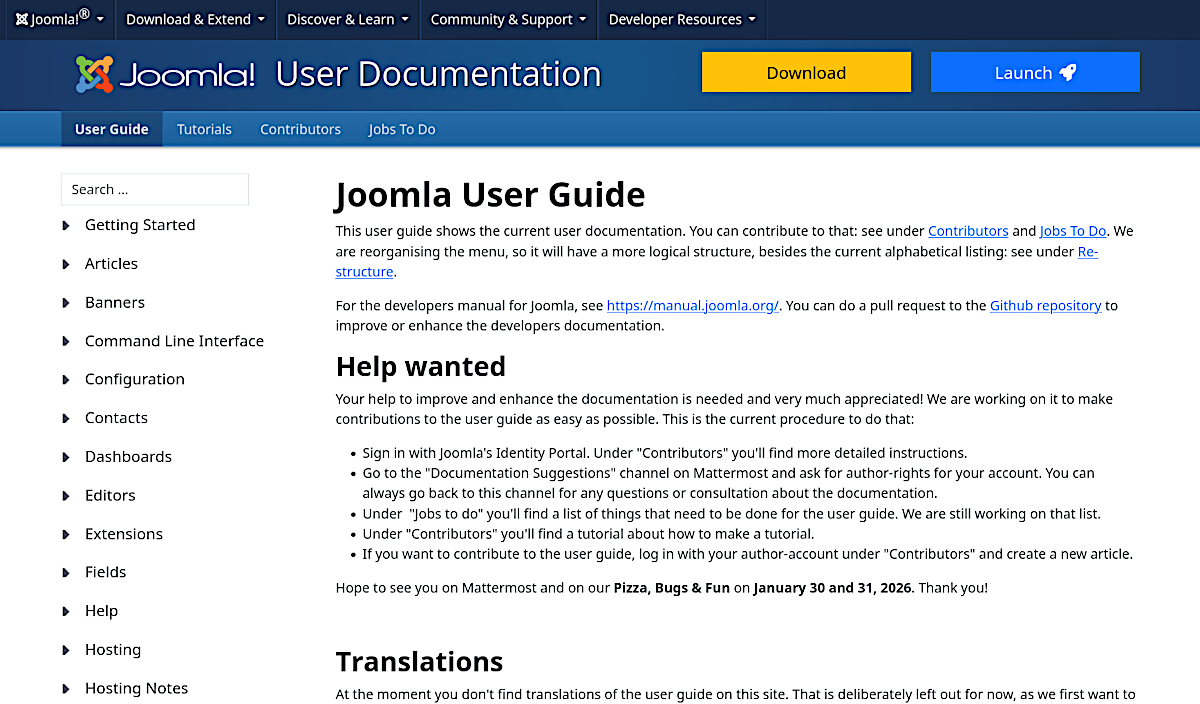
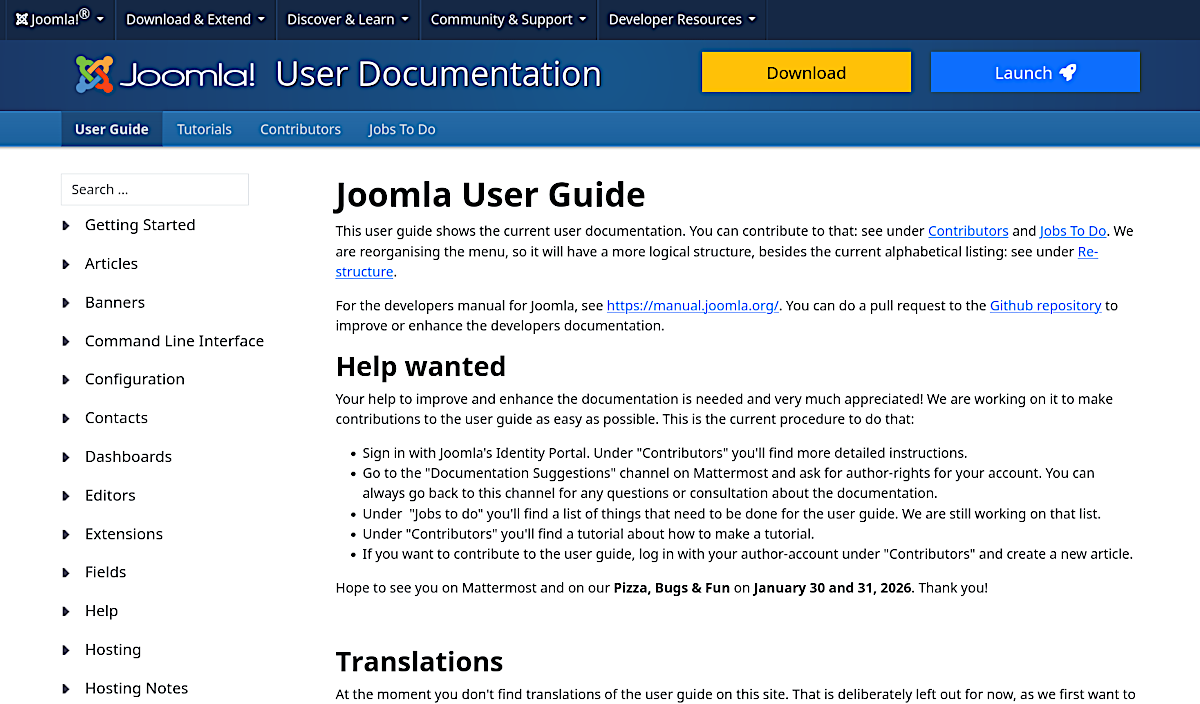
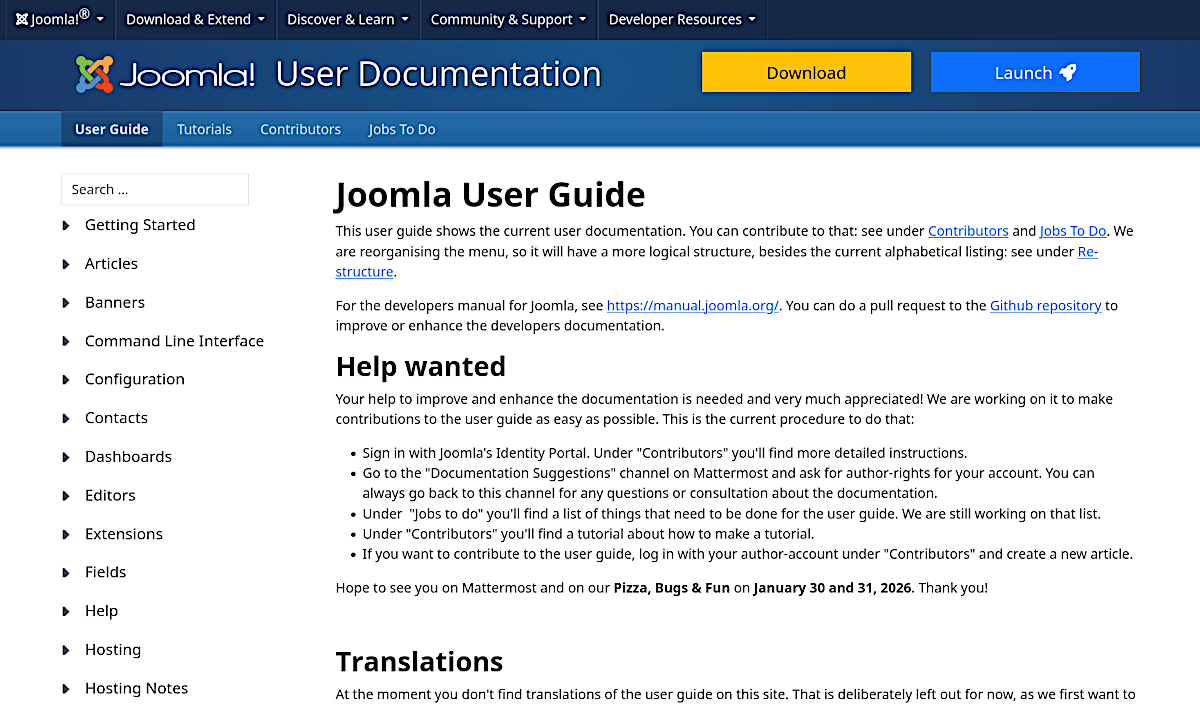
A comparison of the displays of the images
The following screenshot, which has a width of 800 px, was uploaded to the Joomla PBF page and rendered at the same width.
There are two reasons for the significant blurring. Firstly, the image was not edited using the Unsharp Mask filter. Secondly, when image data is rendered in a browser, it is recalculated.
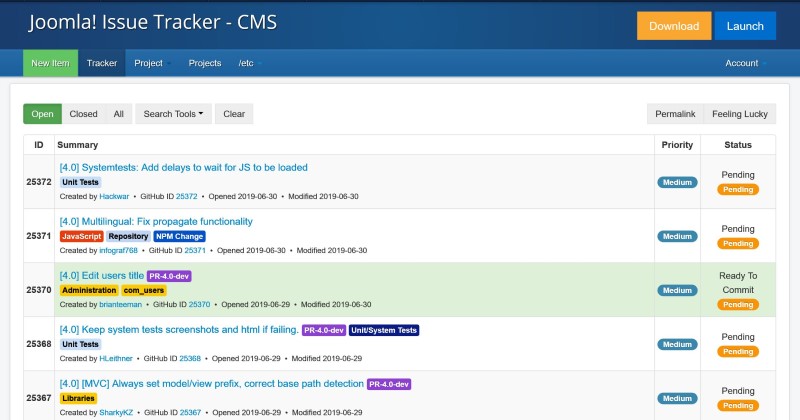
The following screenshot was taken at an approximate width of 1900 pixels, scaled to 1200 pixels, and then modified using the Unsharp Mask filter.
The image is rendered at 800 px and below at its 1200 px size.
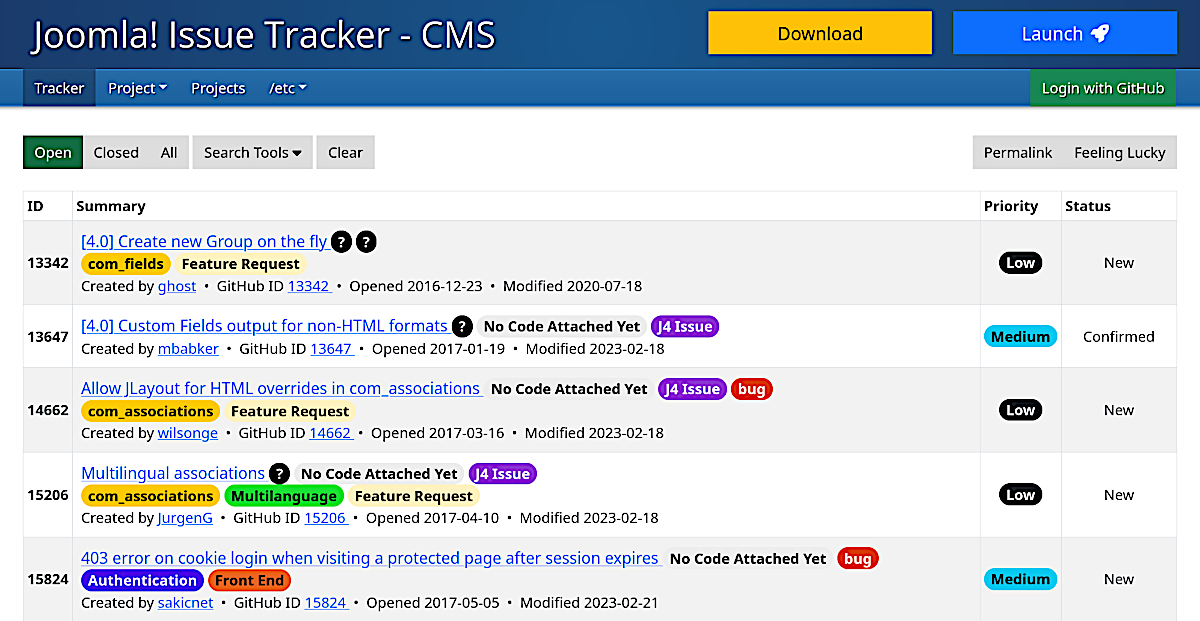
There is a slight blurring here compared to the image above.
This is my personal conclusion
If images are embedded in a website at 25–50% larger than intended and scaled by the browser to the target size, the result is better than uploading them directly at the target size. Increasing the size by more than 50% usually shows no improvement; in fact, the quality may decrease, and other disadvantages such as longer loading times and higher memory requirements may become apparent.
Is the DPI setting important?
The DPI setting is meaningless on the web.
The DPI setting only affects the image size in the printing process, not the display on the screen.
As the following illustrations (72dpi, 96 dpi, 300 dpi) show, there is no difference in the display on a monitor.